You know that feeling when you realize a relationship isn’t working — but you stay because it’s easy or familiar?
That’s how a lot of us treat technology.
Big mistake.
We don’t really like how much it tracks us. We don’t love how exposed we feel after a data breach. We don’t trust that every app has our best interests at heart.
But we leave the defaults alone.
Familiarity and convenience win.
This Valentine’s Day, the Mozilla Foundation is encouraging something different: break up with bad tech habits. Not in a dramatic, throw-your-phone-into-the-lake way. Just in a grown-up, boundary-setting way.
Because defaults are designed to be sticky. They’re built so you don’t question them. And if you don’t question them, they quietly shape your digital life.
Let’s talk about what that means.
Defaults Feel Safe — But They Aren’t Neutral
When you reuse the same password, it feels efficient.
When you let an app keep your location “just in case,” it feels harmless.
When you tap “Accept All Cookies,” it feels faster.
But none of those are neutral decisions.
They are tradeoffs. And usually, you’re trading privacy and security for speed and convenience.
One data breach shouldn’t open every door in your life. One old app shouldn’t still have access to your contacts from 2015. One default setting shouldn’t decide how much of you the internet gets to keep.
That’s not paranoia. That’s maintenance.
Your Digital Past Deserves a Clean-Out
Most of us have done a closet purge at some point.
But when was the last time you cleaned out your digital closet?
Old social media posts. Tagged photos. Apps you don’t even remember downloading. Services you signed up for and forgot. Maybe that email address that seems to attract spam like flies.
All of it lingers.
Running a digital audit isn’t about embarrassment. It’s about control. Who sees what? Who has access? Who still has permission to your data?
If you wouldn’t hand your house keys to a stranger, why let a random quiz app keep your profile information forever?
 Gary P Guthrie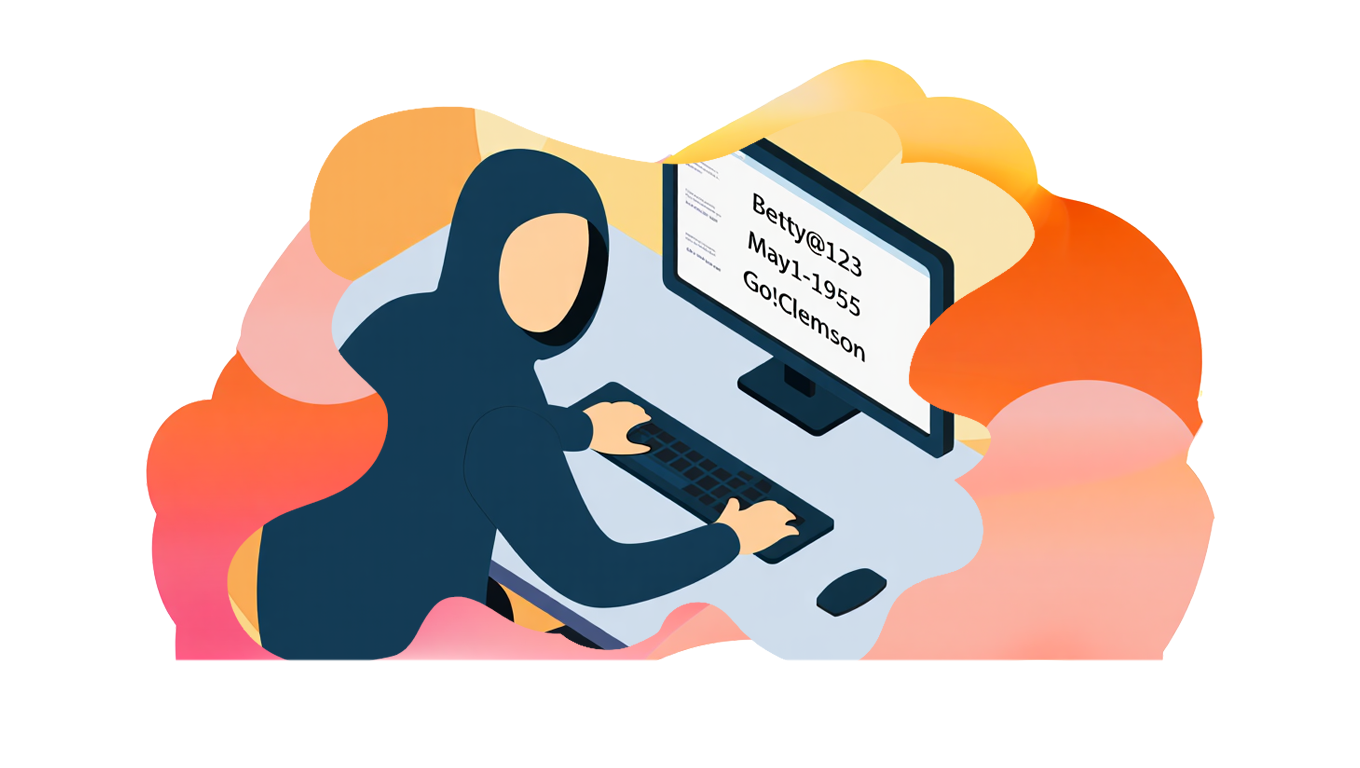
Convenience Isn’t the Same as Trust
Face recognition is convenient.
Auto-login is convenient.
Location history is convenient.
But convenience and security aren’t the same thing.
Two-factor authentication (2FA), for example, adds friction. But it also adds protection. Encrypted messaging tools may not be as mainstream, but they’re designed to keep conversations between the people who belong in them.
You don’t have to ditch everything popular. You just have to ask: does this tool respect me?
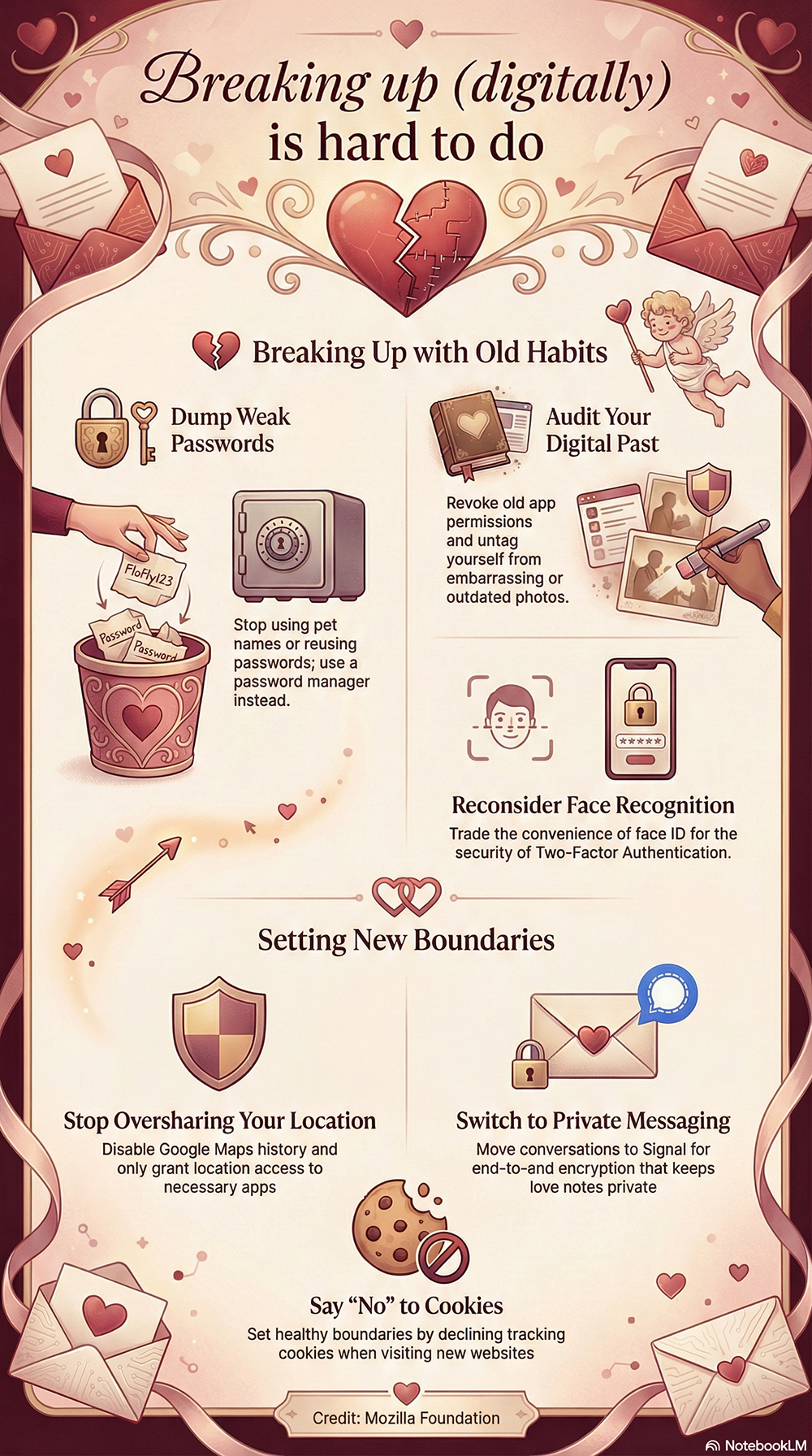
Here's a chart on what to consider cleaning up
Boundaries Are Healthy — Even Online
We talk a lot about boundaries in relationships.
We don’t talk about them enough in tech.
Turning off location history. Limiting app permissions. Saying “no” to tracking cookies. Choosing tools that don’t scan your drafts or monetize your private moments.
These are digital boundaries.
They don’t make you anti-tech. They make you intentional.
And here’s the key point: this isn’t about perfection. You’re not trying to become invisible online. That’s not realistic.
You’re just choosing tools that treat you better.
 Gary P Guthrie
You Deserve Better Tech
The point of this Valentine’s-themed “breakup” isn’t to shame anyone.
It’s to remind you that you have agency.
Technology should work for you — not quietly extract from you.
A few small changes can dramatically reduce your exposure in a breach, limit tracking, and give you more control over your digital life.
No drama.
Just better habits.
And that’s a relationship worth keeping.