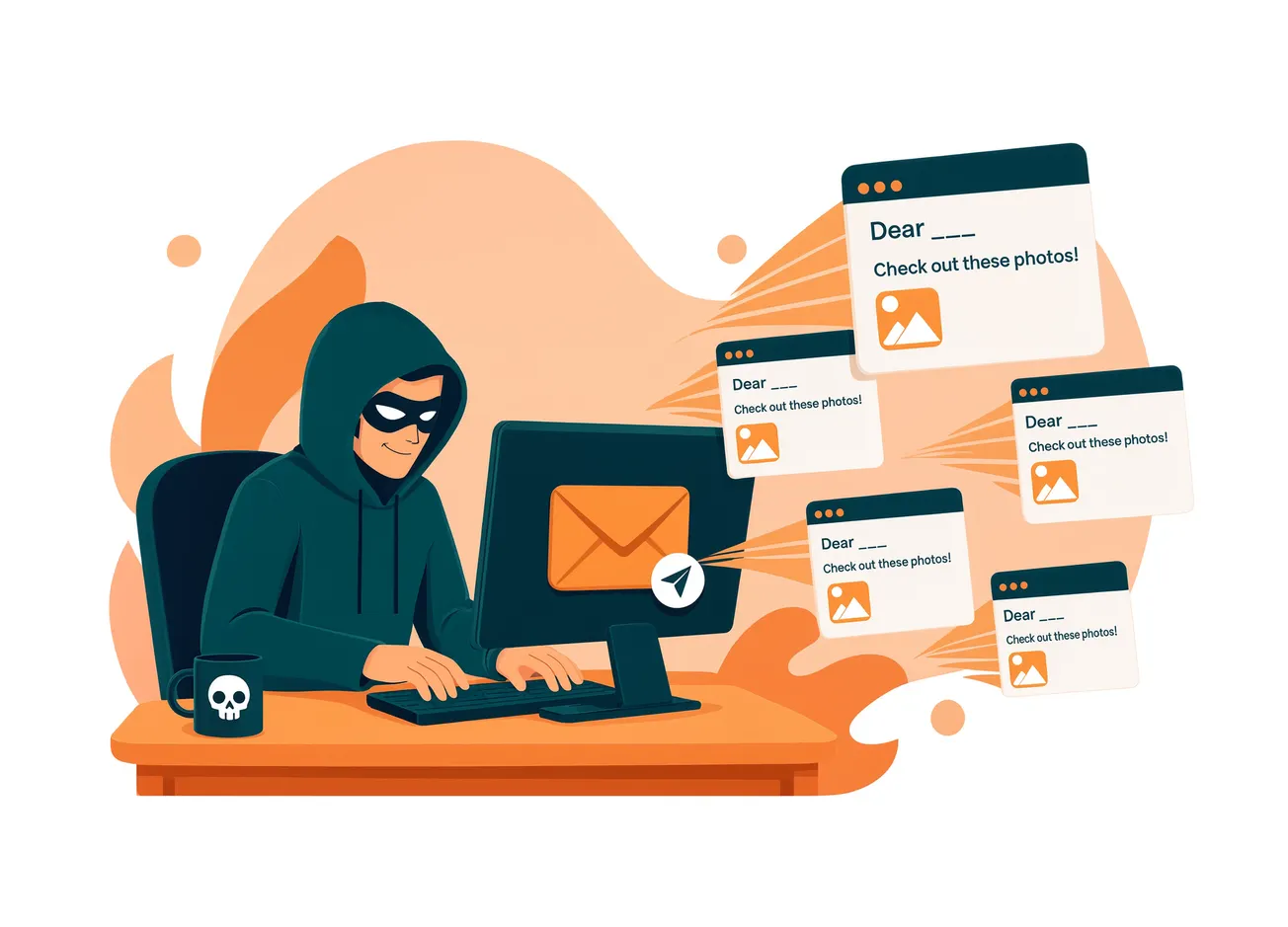
If you've gotten an email this week warning that your photos are about to be deleted, blocked, or lost forever, you're not alone, and neither am I. My inbox has been getting hit with a wave of them, subject lines like "We have blocked your account, your photos and videos will be deleted on Sunday" and "Your photos will be ready this evening."
My spam filter caught most of them. Good. That's exactly what's supposed to happen.
Here's what they look like just so you know...


But curiosity got the better of me on one, and I want to walk you through both halves of what I found, because it's a two-part scam, and most warnings out there only cover one part of it. We'll cover part one in this article and part two next week in our Scam of the Week.
 Smart Senior Daily Staff
Part One: The Photo Panic Email
These emails are built around a single idea: nothing scares people faster than the thought of losing photos and videos they can't get back. Security researchers who track this specific scam say it spiked hard this year, dressed up as "cloud storage full" or "payment failed" alerts pretending to be from Apple, Google, or a generic "Cloud" service.
The email says your storage subscription lapsed and your files will be wiped unless you click a link and "update payment," which sends you to a fake login or payment page built to steal your card number or your account password. Jon Clay, VP of threat intelligence at Trend Micro, has called it a deliberate exploitation of an emotional soft spot, timed for moments when people are capturing a lot of photos and would panic at the thought of losing them.
Like poker, ruses of this kind have a "tell"* , and in this scam the tell is usually not the name attached to the email, because it can be faked either way, a vague company name or someone you actually know (more on that below). The real tell is underneath it: the real email address, which won't match.
Beyond that, watch for no personal greeting, a countdown clock, and a request for payment information through a link instead of your provider's actual app or website.
*A tell in poker is a change in a player's behavior or demeanor that is claimed by some to give clues to that player's assessment of their hand.
Why Some of These Look Like They're From People You Actually Know
Here's the part that worries me more than the emails themselves. Looking back through mine, several didn't come from a random stranger or a fake company name, they showed up under the names of people I actually know, including an ex-brother in law and someone from my own Scottish clan group.
That's not a coincidence, and it's not a small detail. It's a specific tactic, and it works especially well on anyone who trusts a familiar name in the inbox more than they scrutinize the actual email address underneath it.
There are two different things that can cause this, and they call for slightly different responses.
- The more common one is called display name spoofing: a scammer simply types a real name, someone you know, into the "From" field while the email actually sends from a completely different address you'd never recognize. Your actual contact's account was never touched.
- The less common but more serious version is a genuinely hacked account, where a scammer has gotten into that person's real email or a shared group and is sending from their real address, sometimes pulling addresses straight out of their contact list or a group like a family or club listserv, which is exactly what a "clan group" would look like to a scammer as a target-rich mailing list.
Either way, the fix is the same: don't trust a name in the inbox, glance at the actual email address before clicking anything, and if something still feels off, reach out to that person a different way, a text or a phone call, not a reply to the email, to ask if they actually sent it. If it turns out their account was really hacked, they'll want to know. Example: the "e-invite" scam we wrote about.
Up Next, Part 2: The Hot Tech-Support Scareware
It publishes this Thursday..