That email address you’ve had since the early 2000s may be doing more harm than you realize. It's your identity... your own little digital "person"... something that your friends know by heart.
It’s on your bills. Your pharmacy. Your Medicare portal. Your family group threads. You probably don’t even remember everywhere you used it.
But guess who does? Scammers.
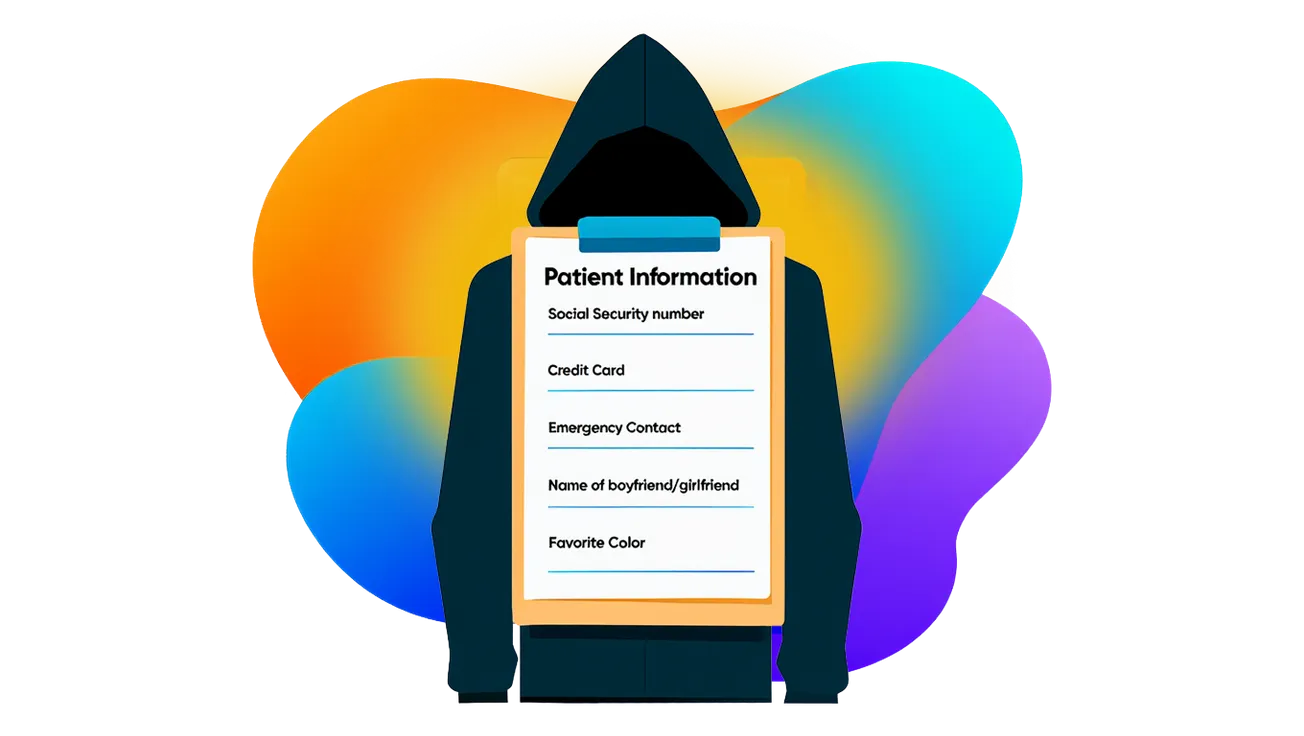
Old email addresses are gold mines
If your inbox count is well into the hundreds or thousands, you're nothing more than a big fat Oreo cookie dunked by scammers in their big fat glass of fraud.
There was a time when scammers "guessed" email addresses. Now they buy 'em – by the ton. Last time we checked, the going price was about $115 for millions (yes, with an "s") of email addresses.
An address that’s been active for years has likely been:
- Included in multiple data breaches
- Sold by data brokers
- Shared through retail, insurance, and survey sites
- Scraped from public records
That history tells scammers something important:
This address belongs to a real person who pays bills and responds to email. In other words, they're tailored.
Check to see how your email address has been compromised. You'll probably be amazed.
Why seniors are hit harder
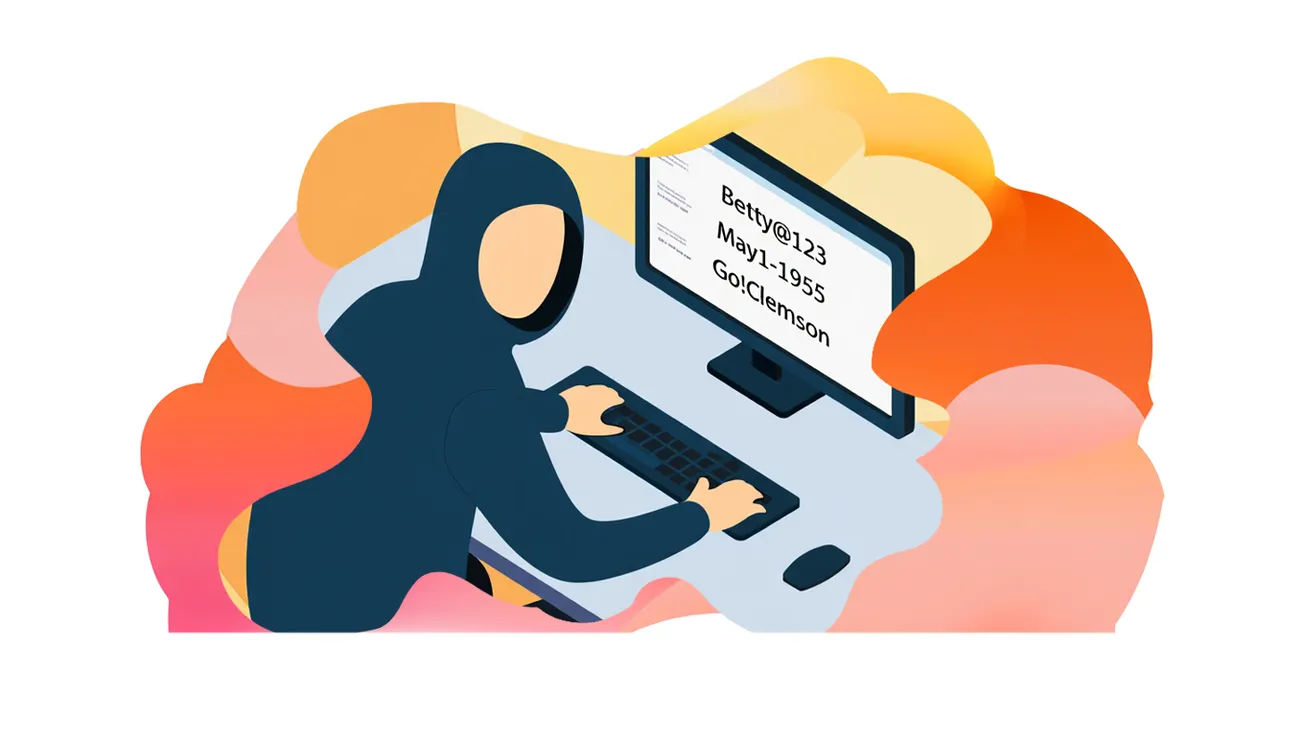
Scammers don't guess someone's age. They infer it by logic – like "betty.smith@gmxxx.com" or by scraping property records, voter records, Medicare, insurance portals, yadda yadda.
And they feel good about their luck, too
That combination signals stability — and scammers equate stability with money, credit, or benefits.
This is why you and countless other seniors are seeing more:
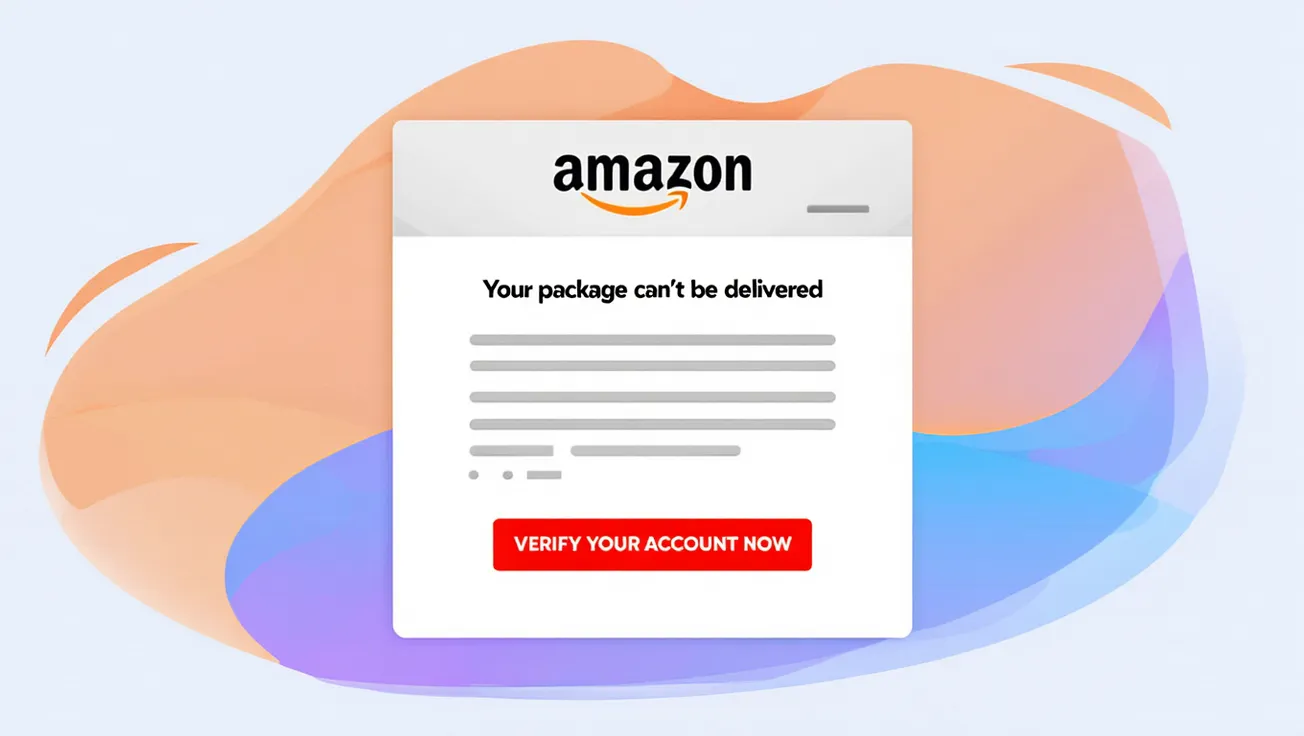
- “Medicare update” emails
- Fake insurance benefit checks
- Pharmacy refill scams
- “Final notice” billing threats
- Tech support pop-ups and follow-up calls
It’s not personal. It’s statistical.
Free email platforms quietly add more fuel
Many seniors still use long-standing free services like Gmail, Yahoo Mail, or ISP email accounts (ISP meaning if Spectrum is your internet provider, you might use BettySpaghetti@Spectrum.net).
And as much as we would like to think that these companies are protecting us with their lives, they operate on an advertising model and our email addresses are chum for marketing sharks.
 Gary P Guthrie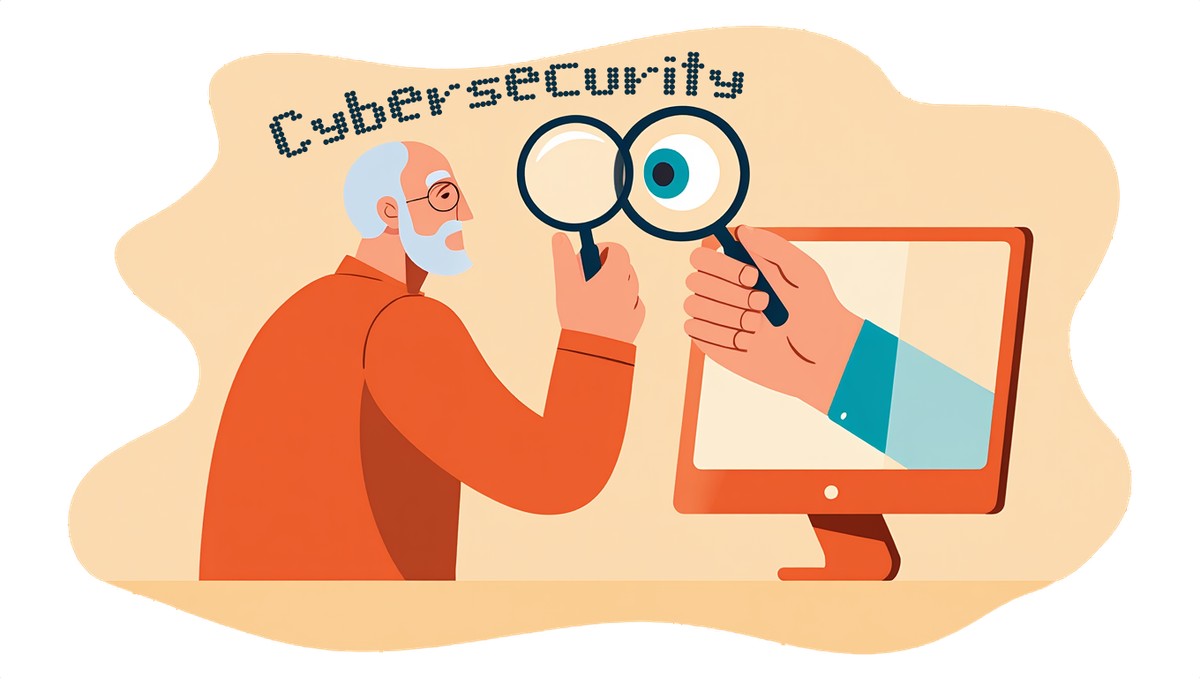
"I only clicked once – years ago"
Many seniors say some version of this, but that's really all it takes to get sucked into this cesspool.
And the first domino is as simple as you filling out a form and confirming your email is active. 🔥 Once you do, you've:
- Confirmed your email is active
- Triggered resale to multiple lead lists
- Increased scam volume permanently
That’s why scam emails often increase over time instead of fading away.
Why changing everything feels overwhelming — and isn’t necessary
I get it – the idea of abandoning a long-time email address feels drastic. But...
The good news is you don’t have to give it up.
A more realistic — and far less stressful — approach is separation, not erasure.
Instead of trying to “clean” an inbox that’s already widely exposed, many seniors reduce scam risk by simply giving different jobs to different email addresses.
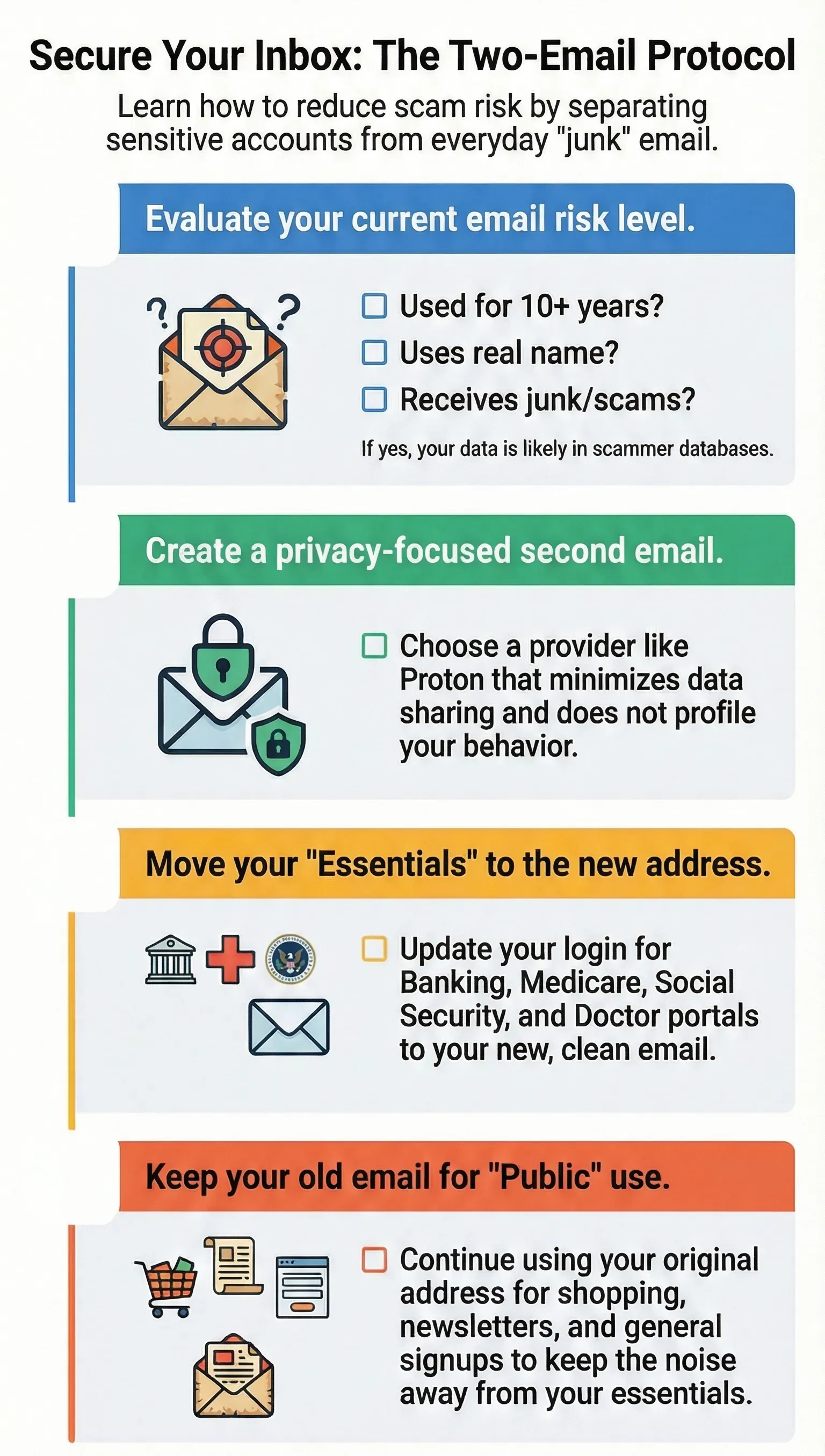
The two-email strategy (simple and effective)
Email #1: Your longtime address
Keep it — just limit what it’s used for.
Use it for:
- Shopping
- Newsletters
- Loyalty programs
- Promotions and sign-ups
This is the address most likely to attract spam and scams, and that’s okay — as long as nothing critical depends on it.
 Gary P Guthrie
Email #2: A protected address
This becomes your “inner circle” email.
Use it for:
- Banking
- Medicare and Social Security portals
- Doctors and patient portals
- Insurance
- Government services
- Family communication
Because this address is shared sparingly — and ideally hosted on a privacy-focused service like Proton — it’s far less likely to end up on scam lists.
Print out this list and see if this makes sense for you to do.
Why this works
Scammers succeed by volume and exposure and reducing exposure — even a little — changes the math.
- Fewer scam emails reach critical inboxes
- Phishing attempts are easier to spot
- One bad click doesn’t contaminate everything
Many seniors report that scam emails drop noticeably within a few months — without losing access to anything they care about.
Many seniors who do this report scam volume dropping sharply within a few months — without losing access to anything important.
Privacy-focused providers like Proton make this easier by avoiding ad tracking and data profiling altogether.
Email providers that actually work for seniors
Best for: Seniors who want strong privacy with fewer features
Why it works:
- End-to-end encrypted by default
- No ads, no tracking
- Simple interface
- Based in Germany (strong privacy laws)
Trade-offs:
- Searching old emails can feel limited
- Fewer extras than Proton
Good fit if: Proton feels like more than you need.
Best for: Seniors who want less spam without encryption complexity
Why it works:
- No ads, no data selling
- Excellent spam filtering
- Feels familiar (closer to Gmail)
- Very easy migration
Trade-offs:
- Not end-to-end encrypted
- Paid service only
Good fit if: You value simplicity and reliability over maximum encryption.
Best for: Budget-conscious users wanting fewer ads
Why it works:
- Free tier available
- No advertising in inbox
- Clean, calm interface
Trade-offs:
- Built more for business
- Not fully privacy-first
- No end-to-end encryption
Good fit if: You want a cleaner inbox without a steep learning curve.
Best for: Tech-comfortable users
Why it works:
- End-to-end encrypted
- Modern design
- Privacy-first philosophy
Trade-offs:
- Smaller company
- Less senior-friendly support
- Still evolving
Good fit if: You’re comfortable experimenting and troubleshooting.
Disclaimer: This article is for educational purposes only and does not constitute legal, financial, or cybersecurity advice. Scam tactics evolve constantly. Seniors should consult trusted family members, financial institutions, or consumer protection agencies before taking action related to suspected fraud or account changes.