Imagine this: you’re relaxing one afternoon and you get a text that says something like:
“Alert! Robinhood Securities Risk Warning: Our automated security check system has detected anomalies in your account… please click the link below to verify now.”
Or:
“Warning — Your cloud storage is full and your photos/videos will be deleted within 24 hours unless you upgrade. Click here to pay $1.99 to secure your files.”
Both of those are real trends flagged by Trend Micro.
1. The fake Robinhood “risk warning”
Between late September and mid-October, reports of Robinhood impersonation scams jumped nearly 300%. The texts look like legitimate security alerts from Robinhood’s team and link to a perfect-looking login page. Once you sign in, crooks steal your credentials and can empty your account or link new bank accounts.
Jon Clay, Vice President of Threat Intelligence at Trend Micro, explains why they work:
“The surge in fake Robinhood ‘risk warning’ scams shows how cybercriminals continue to exploit fear and urgency to manipulate investors,” Clay said. “By creating a sense of panic, scammers con victims into sharing their login credentials, giving attackers direct access to their funds.”
He added that as investing apps grow in popularity, these scams are only getting smarter — and harder to spot.
2. The “cloud storage full” con
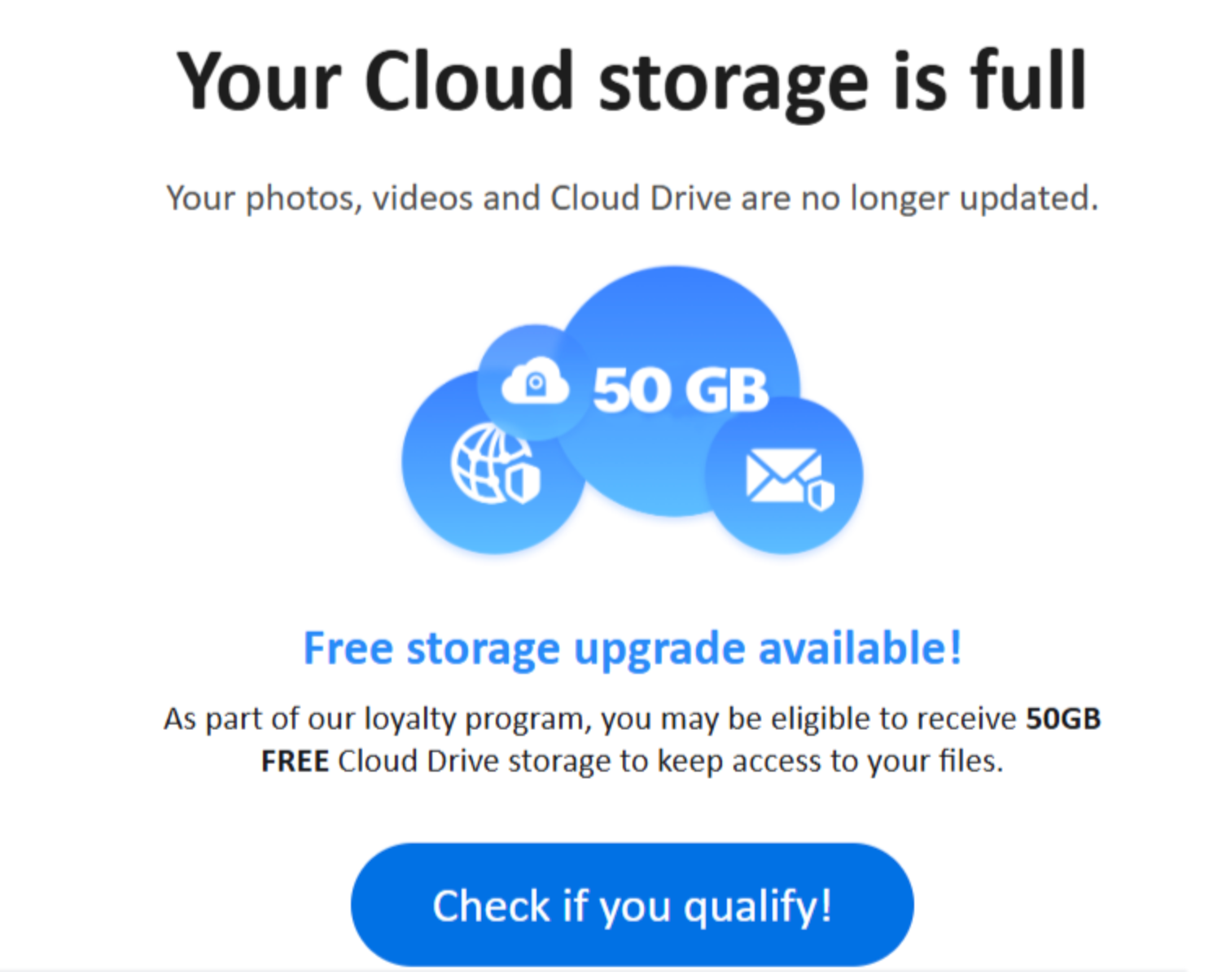
In another campaign, scammers pose as Apple iCloud, Google Drive, or Dropbox. Their texts warn that your phone’s storage is full and your photos will soon be deleted unless you “upgrade” for a small fee — often $1.99.
Trend Micro researchers found this scam skyrocketed 531% in one month. Victims who click the link hand over their credit-card numbers and login info to fake payment portals.
Clay said the emotional manipulation is deliberate:
“These scams prey on fear and urgency, warning users their photos will be deleted unless they pay a small upgrade fee,” he said. “During a time when we’re capturing many precious moments on camera, scammers are targeting older adults who may think this type of message is legitimate and who worry about losing something that can’t easily be replaced.”
Why this scam is especially dangerous for seniors:
- Many seniors hold irreplaceable photos, documents, and memories in the cloud. The fear of losing them is powerful.
- They may assume the message is legitimately urgent—“Your backing up is disappearing!”—and act without verifying.
- Once credentials or payment info are handed over, recovery can be complex and costly.
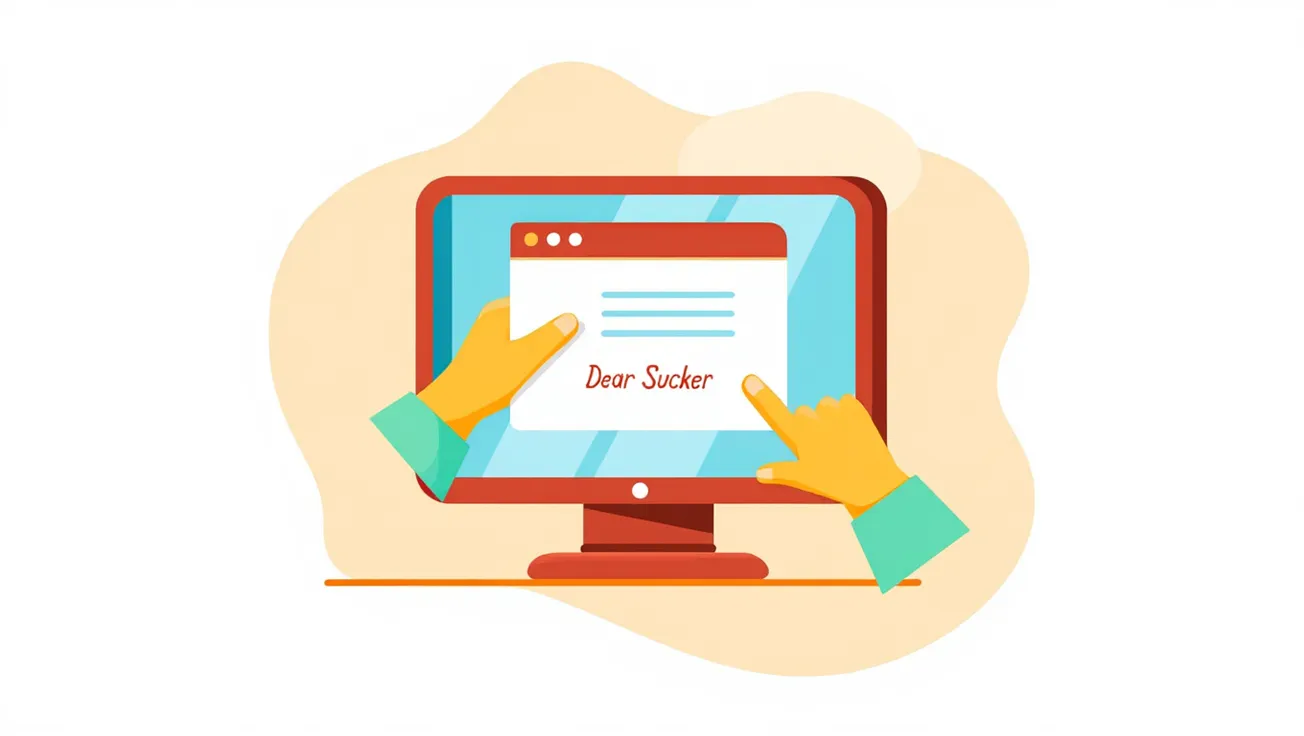
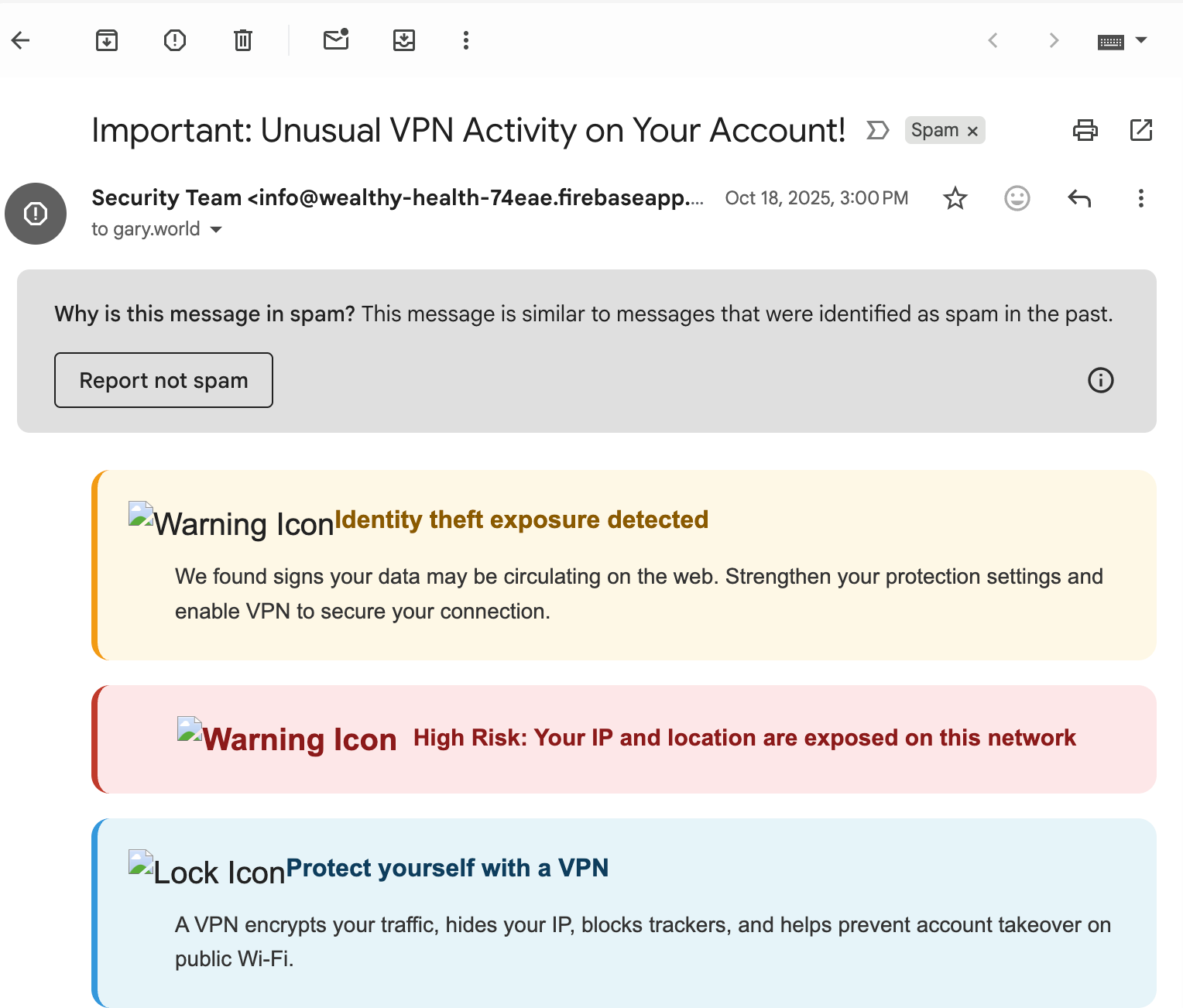
Here's a sample of how these scam emails might look:
3. Shared features of these scams
Both types exploit the same psychological tricks:
- Urgency & fear: Time-sensitive messages (“Act now or lose access”).
- Brand impersonation: They look almost exactly like the real service, down to the logos and language.
- Links to fake sites: These sites collect your credentials and/or payment information.
- Prey on trust: The message comes from “your provider” (investment app or cloud service). People are less suspicious.
4. How to protect yourself (and your loved ones)
- Don’t click the link. If you receive a message, don’t tap any links in it. Instead open the official app or website yourself.
- Verify separately. Log in independently to check if there’s any real alert or go to the “Help” section of the official service.
- Check the sender. Consider odd sender ID (foreign number), misspellings in the URL, small changes in domain names.
- Use unique passwords + 2FA. Enable two-factor authentication wherever possible and don’t reuse passwords across services.
- Monitor accounts. Check your bank, credit card, investment accounts for unexpected activity.
- Educate yourself or loved ones. Make sure seniors in your circle know these tactics exist and are encouraged to call you if unsure.
- Report suspicious messages. You can report phishing texts and emails to the service being impersonated, and to the Federal Trade Commission via ReportFraud.ftc.gov. Consumer Advice
Additional sources: Malwarebytes
Disclaimer: This article is intended for general educational purposes only and does not constitute personal financial or cybersecurity advice. If you believe your account has been compromised, contact the service provider and your financial institution immediately.