
Senior Cyber Secure, Part 2 – A Smart Senior Daily Special Series
What "PII" Really Means and What Seniors Misunderstand About It
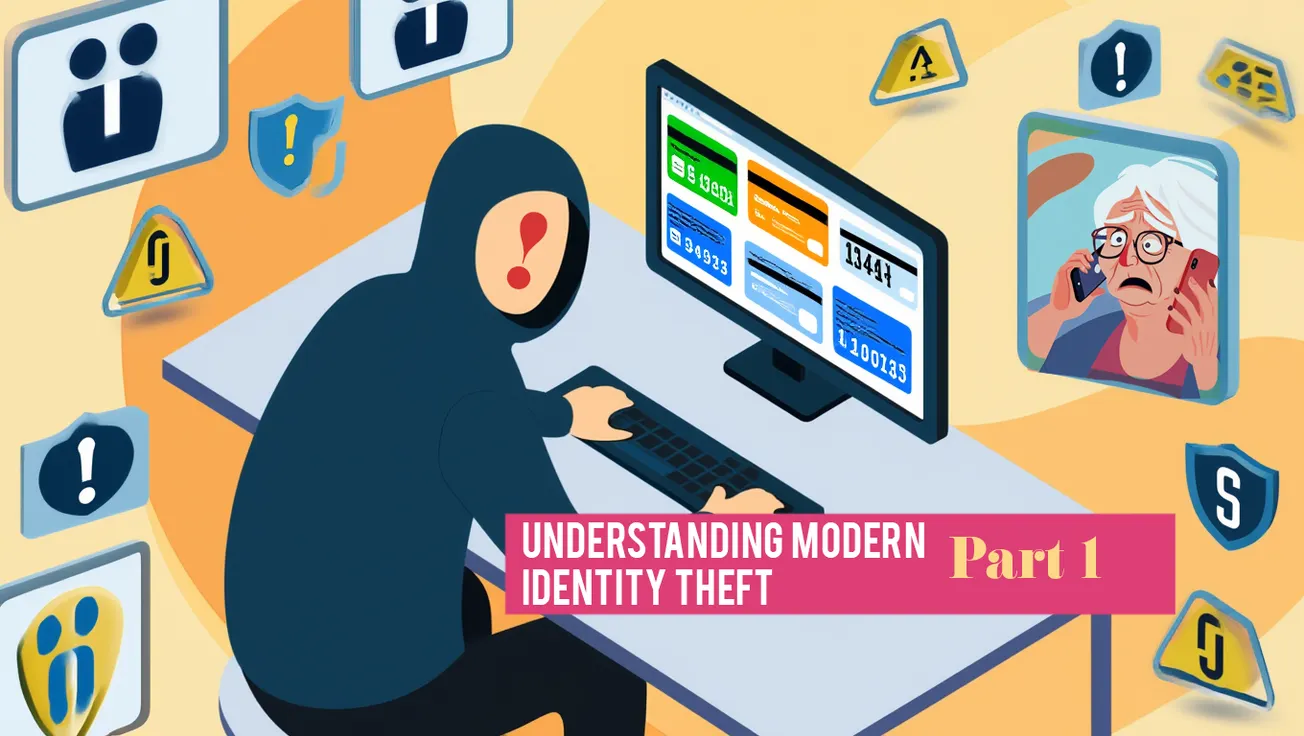
Thieves use common ruses to take PII or personally identifiable information. This is not done only through complex hacking schemes. Many thieves who (let’s face it) are usually not that bright rely on low-tech methods, so it’s not only possible but also fairly easy for seniors to protect themselves.
How Retailers and Apps Quietly Collect Senior Data
Retailers and apps collect data through loyalty programs, purchase histories, and app permissions, sometimes without clear consent, and feed it to data brokers who build detailed profiles. Grocery stores and pharmacies track seniors through loyalty cards that capture spending habits, medical purchases, and property records. These programs promise discounts but share data with brokers for targeted ads or insurer adjustments.
 Gary P Guthrie
What Privacy Settings Matter Most on Phones and Browsers
To keep people out of your stuff, turn on a lock screen password that will require you to enter a PIN to use the phone and require passwords for app downloads.
In your web browser, use the private or incognito mode when you don't want sites saved in your history.
On your phone, review which apps can access your location, camera, and microphone in settings and turn off anything you don’t think should have access to those functions on your phone.
How to Read Privacy Policies — What Red Flags to Watch For
Sometimes it’s hard to find the fine print buried deep in legal documents. But search these out and take time to read through them. Watch out if they say they "might" or "reserve the right" to do things with your data instead of being clear about what they actually do.
Companies that use these kinds of phrases are trying to cover themselves legally rather than being honest about their privacy policies. Be careful when policies change quietly or get updated to allow new uses of data you already gave them, such as sharing with third parties or AI training. It’s also a red flag if there's no clear way to delete your data or contact them with questions.
Smart Senior Daily Staff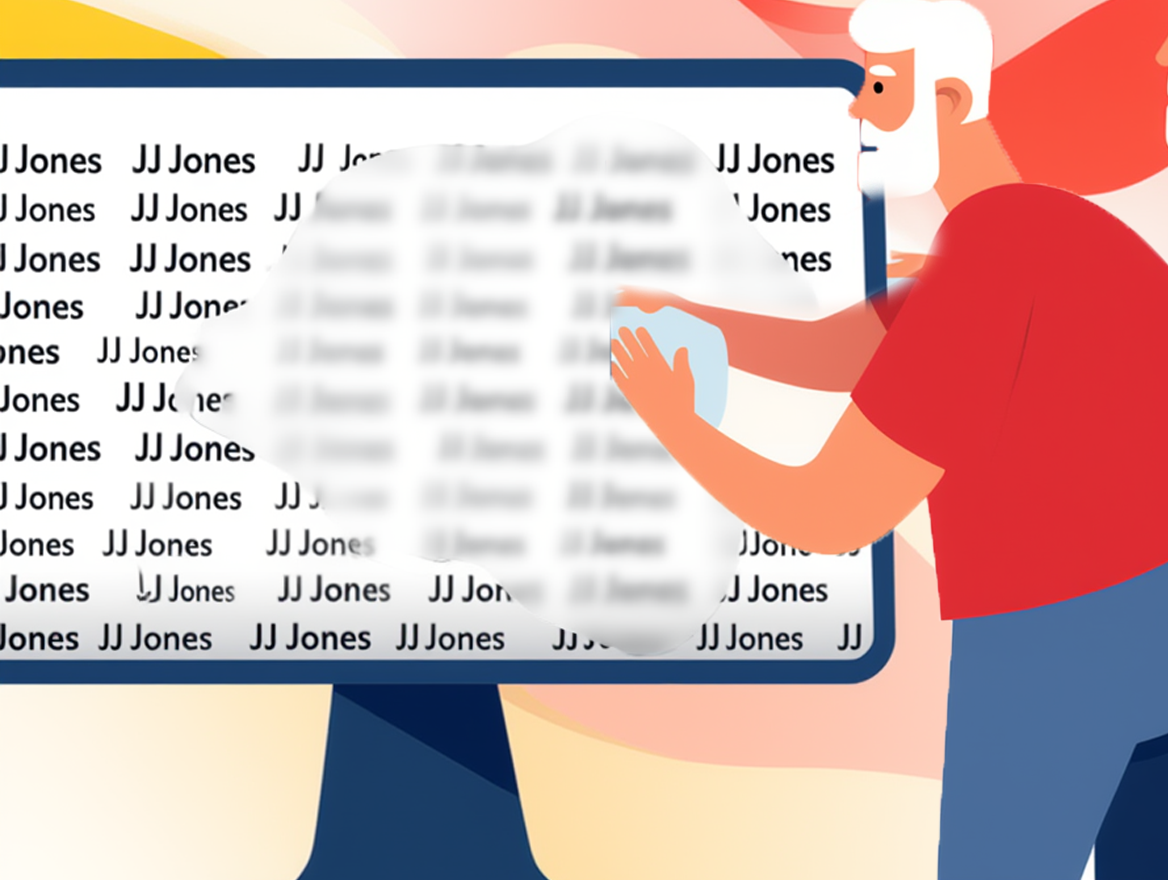
Risks of Signing into Websites Using Facebook/Google Logins
Be aware of the websites that utilize Facebook or Google logins. The sites may be able to get your name, email address, profile photo, and more, and if someone gets access to your Google or Facebook account, they can get access to other sites you logged into with that identity.
Up Next in the Series, Part 3: Passwords, Passkeys, & Permission Sharing for Seniors
Interested in more of how Danny Karon's advice can make you cyber secure? Check out his new book on Amazon.
Smart Senior Daily Disclaimer: This article is for educational purposes only and does not constitute legal advice. Always consult a qualified attorney or financial professional regarding your specific situation.





)