Senior Cyber Secure, Part 3 – A Smart Senior Daily Special Series from consumer rights attorney and author, Danny Karon
The Most Common Senior Password Mistakes
The No. 1 password mistake seniors can make is to use weak passwords that are easy to guess.
Short passwords, in particular, leave you vulnerable. Reusing passwords across accounts is another common mistake, as is using an insecure Wi-Fi network.
How Thieves Use Old, Breached Passwords to Launch New Attacks
When hackers steal passwords from one website, they don't just use them there. They know most people use the same password across many sites. So they use those stolen passwords to run programs that automatically try to log in to other sites. Because people reuse passwords a lot, this works way more often than you'd think.
 Danny Karon (Author) Format: Paperback
Whether Seniors Should Use a Password Manager and Any Legal Concerns
Password managers help you in several ways. They store all your passwords in one place. You can create strong passwords without memorizing them or writing them down somewhere where you’ll forget them. They also automatically fill in login info, and you can easily share them with trusted family members.
One thing to keep in mind is that if you die, your family might have trouble accessing your accounts unless you share your master password with someone you trust or write it down in a safe place (such as part of your will).
The Safest Senior-Friendly “Passphrase” Formula
Passwords should be at least eight characters long and include a mix of uppercase and lowercase letters, numbers, and symbols.
You can use a memorable phrase like a favorite song lyric and transform it into a password by using capitalization to change certain letters or by swapping letters for numbers or symbols, such as 5 for S and * for A.
Guidance on Sharing Passwords with Spouses, Caregivers, or Adult Children
If you have to share passwords, keep the circle of people you share them with very tight and consider limiting that to just one person. It sounds like science fiction, but these days scammers are using AI to impersonate your closest loved ones or caregivers.
You shouldn’t share a password over the phone, even if the person calling sounds like someone you know and trust, because that voice at the other end may be a scammer using AI.
 Danny Karon
What Seniors Should Do When a Family Member Insists on Having Password Access
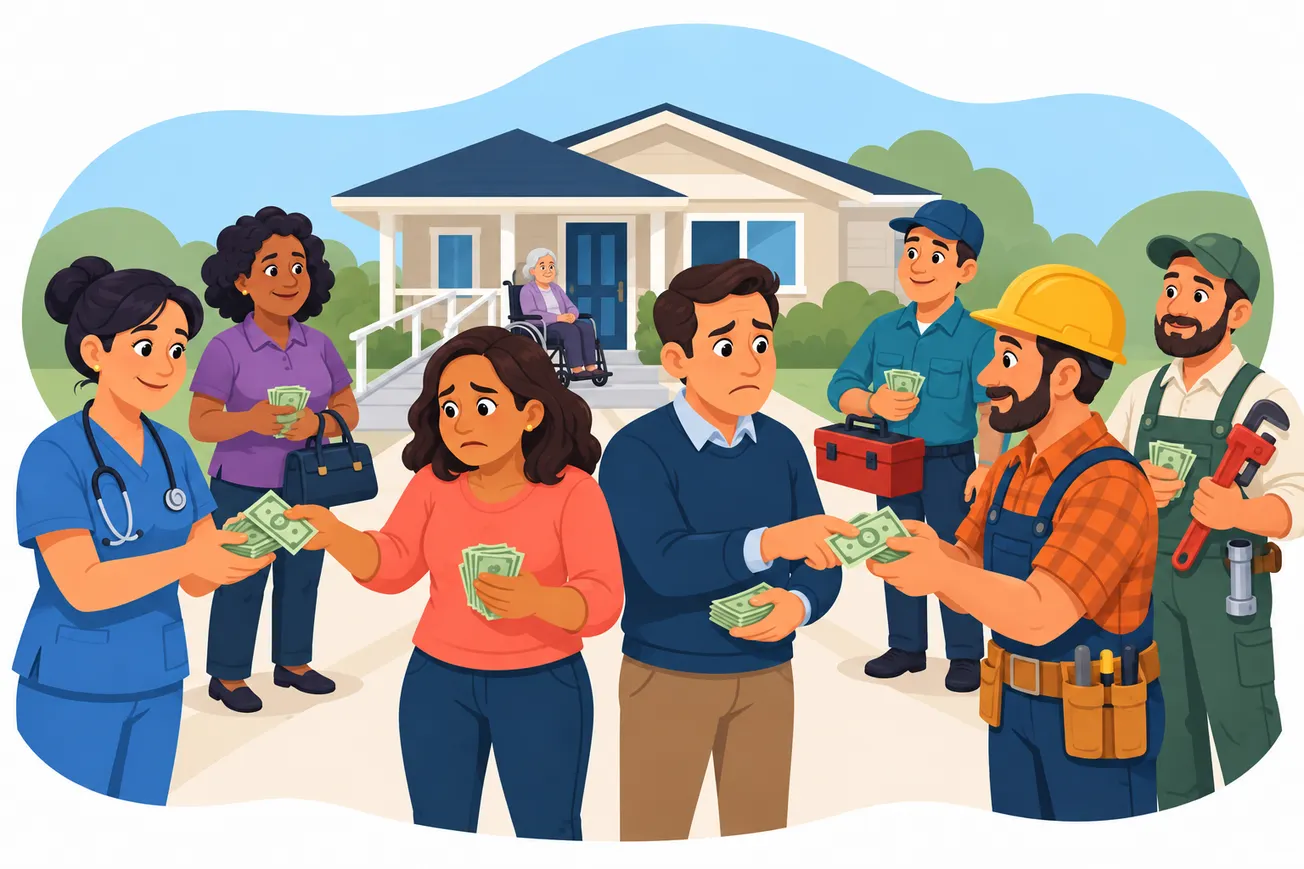
Be cautious. Even family can steal or misuse your money. One extra layer of security: Use your password manager's "emergency access" feature if this is available. That way, family members can only get in after you're unresponsive for days, not whenever they want.
Red flag: If they're pressuring you or getting pushy about it, that's a warning sign that something's not right.