By Sue Ryan, Co-founder of The Caregiver’s Journey
When my husband Jack was diagnosed, we got to work right away, while he could still make every decision himself. We got the paperwork done, the passwords shared, the permissions set up properly. We monitored every folder in our files and continuously reviewed each piece of mail to convert everything possible to digital.
I've watched other families live through exactly what we avoided: a password only their loved one knew, a power of attorney missing the one clause that would have made it usable, a form that needed a signature that was, by then, no longer legally valid, a loved one being scammed.
I want you to live my story, not theirs.
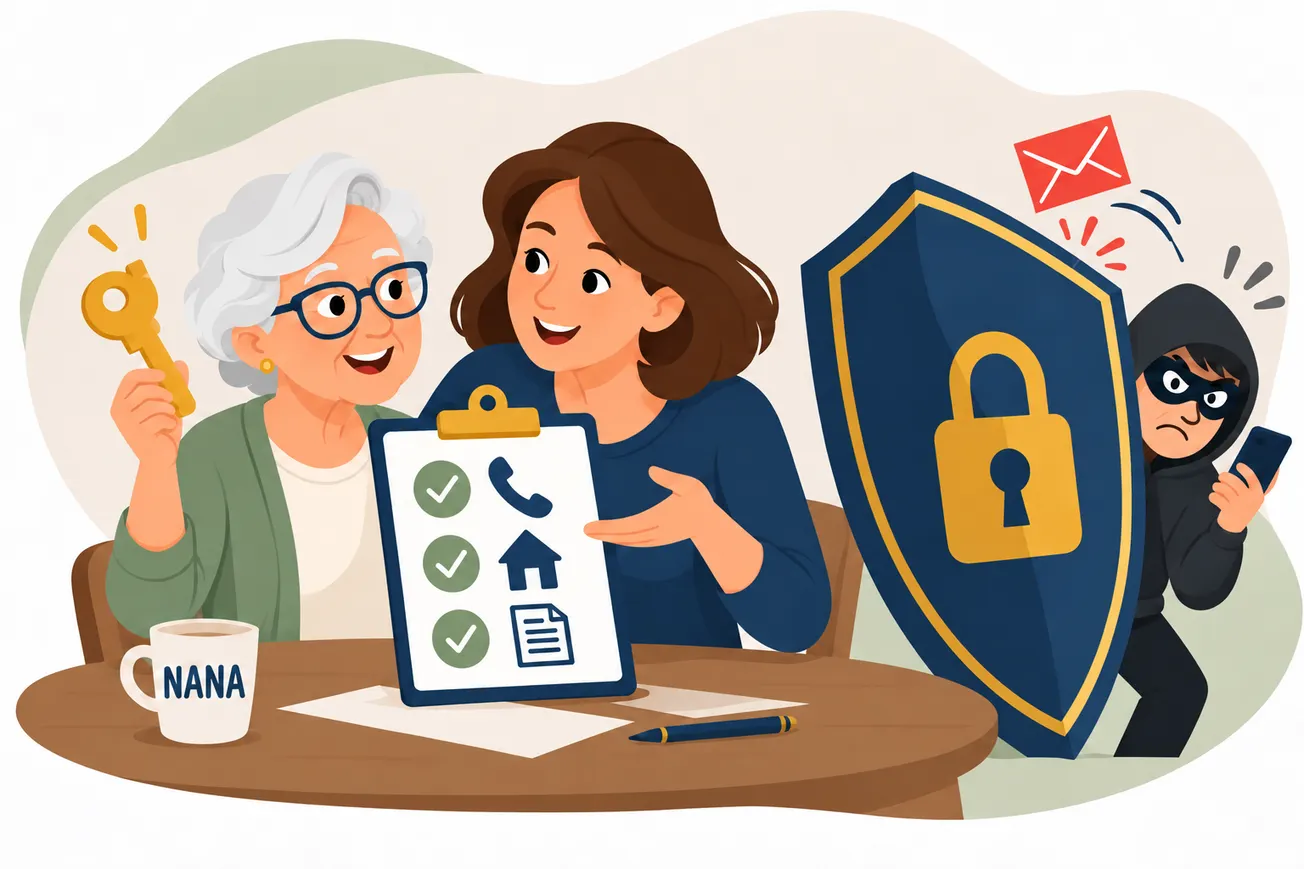
Spoiler alert: The first resistance is often with your loved one not wanting to do this or thinking they don’t need it. If you think your loved one may resist, make it a family activity instead of a single ask. Family members update their own information and share it with someone they trust. I’ve had numerous caregivers share how glad they were they made it a family exercise and tell me they found holes in their own security measures.
Taking Action
Here are some major categories with action items for each one.
Banking and Financial Accounts
Covers: checking, savings, credit cards, brokerage and retirement accounts, loans.
Get a durable power of attorney drafted now, with specific Medicaid and VA planning language built in when appropriate, before a diagnosis affects your loved one's legal capacity to sign anything.
Call each institution and ask what else they offer. Many banks and all brokerages have some version of a trusted contact or fraud-alert option you can add with one phone call, though exactly what's available varies by institution.
 Smart Senior Daily Staff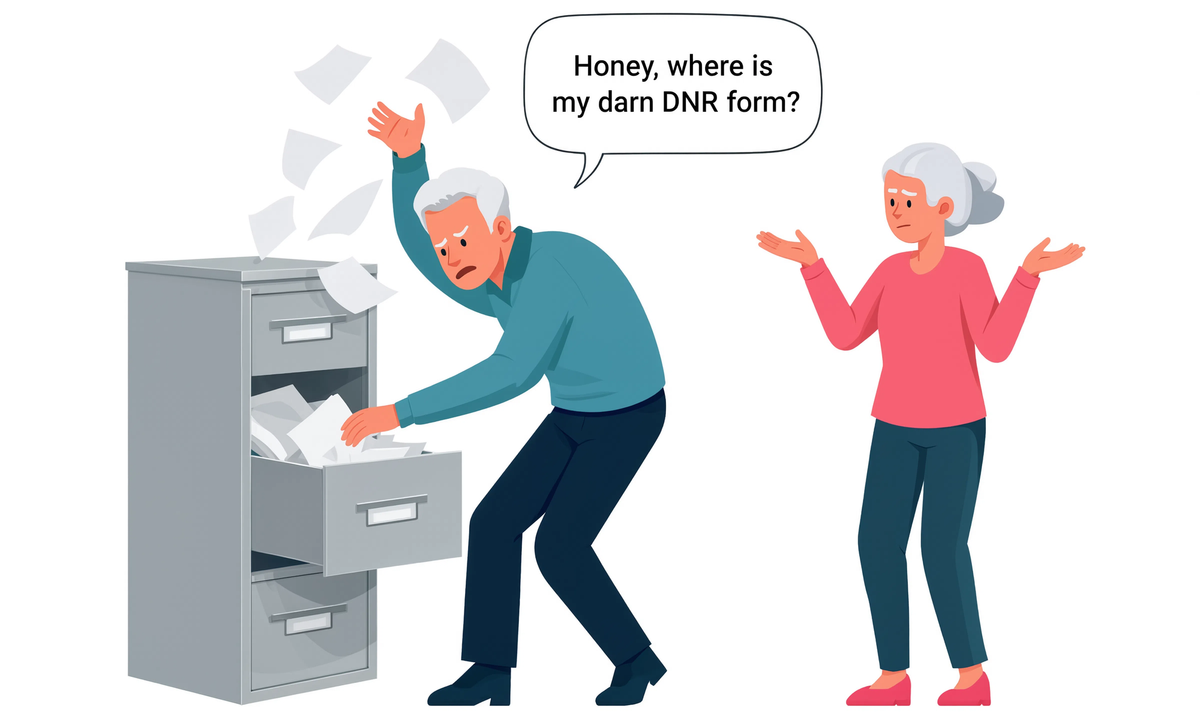
Digital Credentials and Email
Covers: email, cloud storage, and any account that uses a single sign-on provider as its login method.
If your loved one doesn't already have a password management solution, set one up with an emergency-access feature so all login information is in one place.
Two respected options: 1Password and Bitwarden. Designate a backup contact who can get in if needed. Look for accounts that use "single sign-on," meaning one account (often through a provider like Apple or Google) is used to log into several other sites and apps at once.
 Gary P Guthrie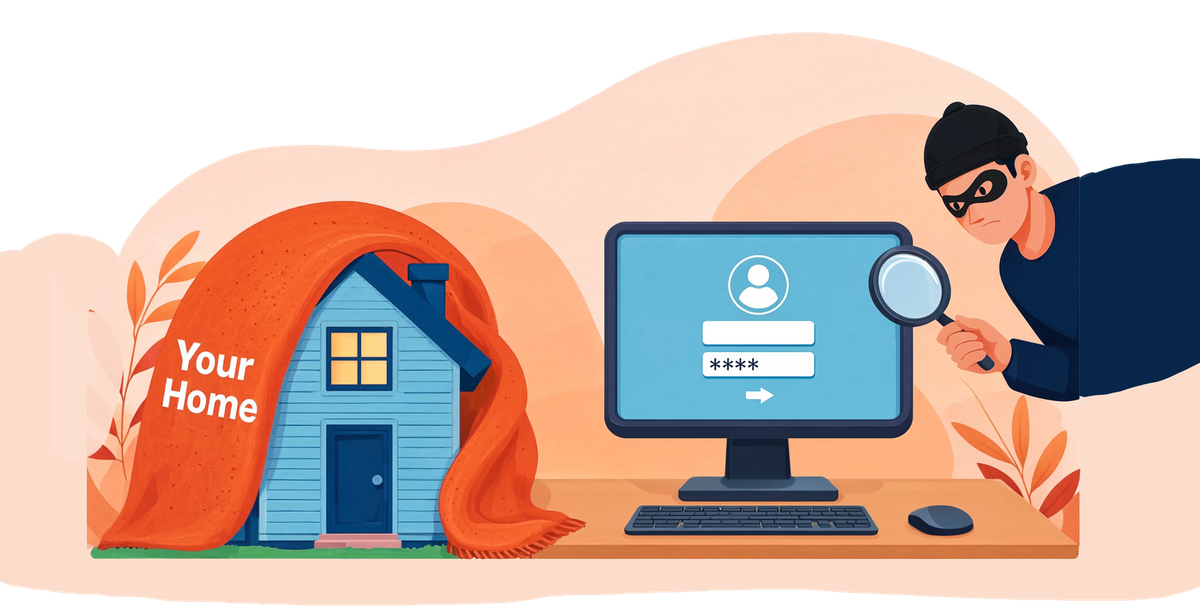
Device Access: Face ID, Fingerprints, and the Passcode (PIN) Behind Them
Covers: phone and computer lock screens secured by Face ID, Touch ID, or fingerprint.
Each device that offers a biometric option also has a backup built in: the device passcode or PIN.
This number, not the face or finger, is the one credential that works every time, including after a restart or too many failed attempts. Write it down and store it with other passwords. Make sure you know the rules for each device they use.
Healthcare and Insurance Portals
Covers: MyChart and similar patient portals, Medicare or Medicaid accounts, pharmacy logins.
Most patient portals let your family add you directly online right now, through a "share my record" or "manage representatives" setting; no office visit needed.
This requires their active login and consent. Set this up now, because once decision-making capacity is in question, it becomes a paper process requiring proof of power of attorney or guardianship.
Subscriptions and Recurring Bills
Covers: streaming services, memberships, utilities, software subscriptions billed monthly or annually.
Review 13 months of checking and credit card statements so you find recurring, quarterly, and annual charges.
List every recurring item and which account or card pays for it so nothing gets missed.
Social Media
Covers: Facebook, Instagram, and similar platforms.
Set a legacy contact or memorialization setting now.
It's an easy setting that few people use and many families wish they had. Hint: Something else to do as a family.
Shopping and Loyalty Accounts
Covers: Amazon and other retailers with saved payment methods, cloud photo storage, loyalty and rewards programs with stored value.
Note which accounts have stored payment methods or points balances worth protecting.
These are often overlooked until a card on file gets compromised or a balance expires.
Scams, Fraud, and Credit Protection
Covers: phone calls, texts, emails, investment offers.
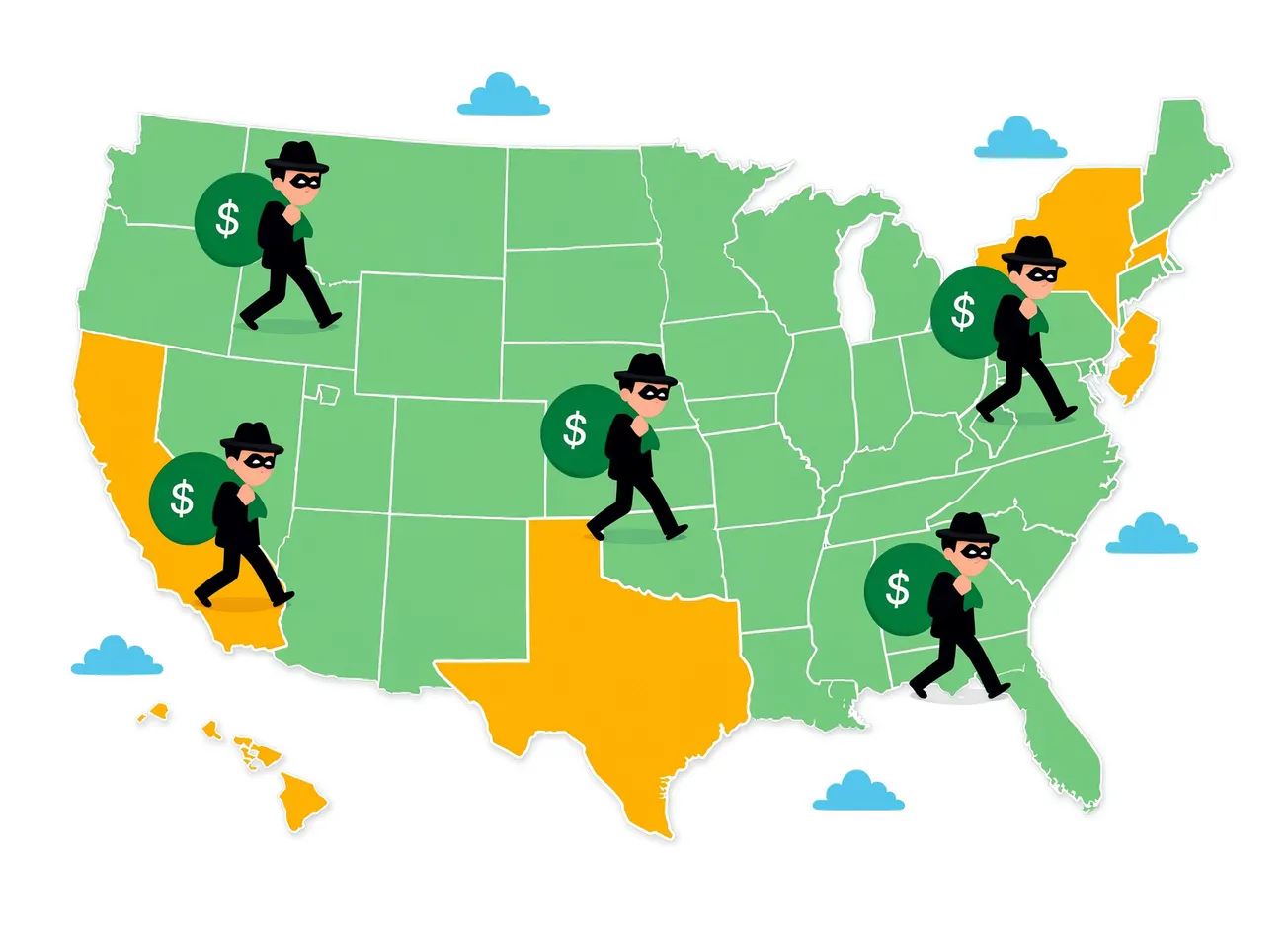
Americans age 60 and older filed over 201,000 internet-crime complaints in 2025 and reported losing nearly $7.75 billion, up 59% from the year before, often through confusion around a new diagnosis.
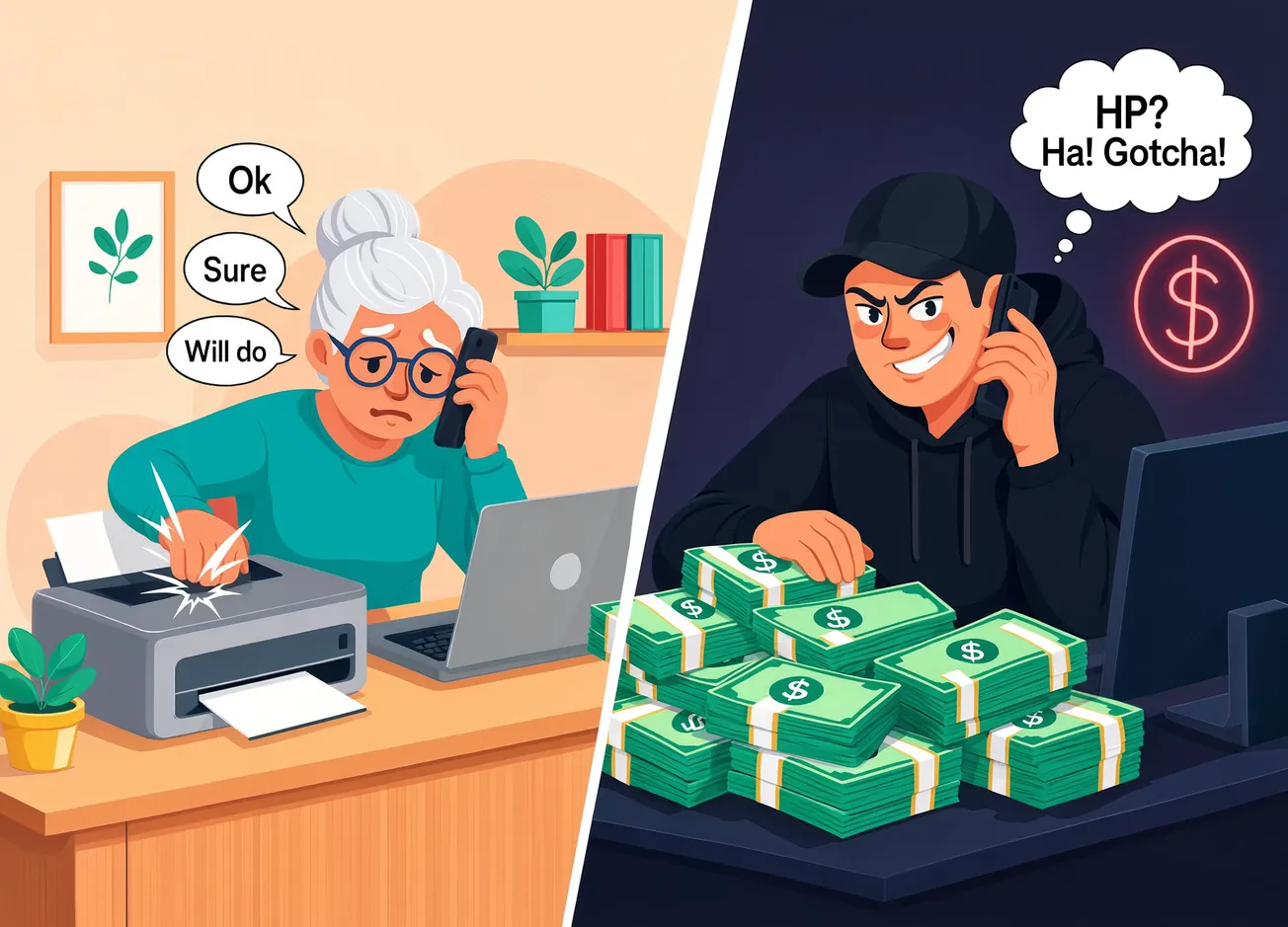
Options to reduce and stop most of it: call-blocking apps and carrier spam filters, calling back on a number you look up yourself, and a family safe word that stops an AI voice clone.
If something does go wrong, the National Elder Fraud Hotline (833-372-8311) and IC3.gov are the fastest paths to help.
Mail and Physical Documents
Covers: paper statements, checks, official notices.
Research what comes in the mail and what’s in your loved one's paper files.
Make everything possible electronic.
Start Now, Not During the Crisis
Start with your most important category.
One phone call to add a trusted contact. One conversation about passwords. You'll never regret doing this too early, only too late.
 Nancy
Nancy
Be sure to subscribe to the award-winning The Caregiver’s Journey podcast where Sue is a co-host. To listen to one of their latest episodes, click above.